The 2026 IPTV Device Guide: Firestick vs. Android Box vs. Smart TV
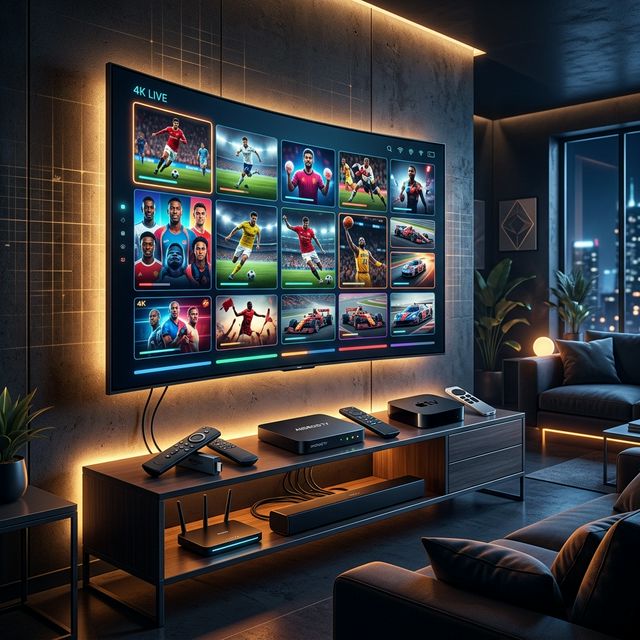
Securing a high-quality IPTV subscription is only half the battle when it comes to cutting the cord. The hardware you use to stream that subscription plays a massively underappreciated role in your overall viewing experience. In 2026, the market is flooded with streaming devices, ranging from budget-friendly dongles to premium, high-powered media centers. Choosing the wrong device can result in a laggy interface, constant app crashes, and poor video quality, effectively ruining even the best IPTV service.
This comprehensive hardware guide is designed to dissect the three primary ways to stream IPTV: Amazon Fire TV Sticks, dedicated Android TV Boxes, and native Smart TV applications. By understanding the strengths, weaknesses, and technical capabilities of each platform, you will be perfectly equipped to build the ultimate home entertainment system that maximizes your IPTV subscription.
1. The Amazon Fire TV Stick: The King of Budget Cord-Cutting
🔥 Stop Searching, Start Streaming!
Why settle for buffering and locked channels? Venom IPTV gives you access to 35,000+ premium channels, global sports in 4K, and a massive VOD library.
View Pricing PlansWhen it comes to mainstream popularity, the Amazon Fire TV Stick reigns supreme. In 2026, the Firestick 4K and Firestick 4K Max continue to be the entry point for millions of new IPTV users. But why is it so incredibly popular?
Pros of Using a Firestick for IPTV
The biggest advantage of the Firestick is its price-to-performance ratio. For under $50, you get a device capable of outputting brilliant 4K HDR video and Dolby Atmos audio. Its compact, flash-drive-like design hides neatly behind your television, requiring no extra shelf space.
Furthermore, the Firestick runs on Fire OS, which is an Android-based operating system. This is crucial for IPTV users because it allows for “sideloading.” Sideloading is the process of installing third-party applications that are not available in the official Amazon App Store. Using the Downloader app, users can easily install industry-leading IPTV players like TiviMate, IPTV Smarters, and XCIPTV in a matter of minutes.
Cons of Using a Firestick
Despite its power, the Firestick has limitations. It possesses very limited internal storage (usually 8GB to 16GB), which fills up quickly if you download a large VOD library’s metadata or multiple streaming apps. Additionally, because it relies entirely on Wi-Fi out of the box (unless you buy a separate ethernet adapter), users with weak wireless routers may experience buffering on high-bitrate live channels. The Fire OS interface is also heavily cluttered with Amazon’s own advertisements and Prime Video recommendations, which some users find distracting.
2. Dedicated Android TV Boxes: The Enthusiast’s Choice
For viewers who want the ultimate, uncompromised IPTV experience, dedicated Android TV boxes are the gold standard. We are not talking about cheap, unbranded boxes found on generic marketplaces, but premium devices like the NVIDIA Shield TV Pro and the Formuler Z11 Pro Max.
The Formuler Ecosystem: Built for IPTV
Devices like the Formuler Z11 Pro Max are engineered specifically with IPTV in mind. Unlike generic Android boxes, Formuler devices come with a proprietary software called MyTVOnline 3. This built-in application is arguably the most advanced IPTV client in the world. It perfectly integrates your M3U playlists or Xtream Codes, offering a user interface that rivals or surpasses the most expensive satellite TV boxes. Features like advanced EPG grid views, seamless Catch-up TV integration, and picture-in-picture mode make it a powerhouse for heavy TV watchers.
The NVIDIA Shield TV Pro: Unmatched Raw Power
Although released years ago, the NVIDIA Shield TV Pro remains incredibly relevant in 2026 due to its overwhelming processing power. The Tegra X1+ processor effortlessly handles massive IPTV playlists that contain over 100,000 items (channels + VOD) without breaking a sweat. Moreover, it features AI Upscaling technology, which takes lower-resolution live TV streams (like 720p or 1080p) and artificially enhances them to look incredibly close to native 4K on your television. With gigabit ethernet ports, expandable USB storage, and a pure Android TV interface, it is the ultimate media center.
Pros and Cons of Android Boxes
The pros are obvious: raw processing power, massive storage capabilities, wired ethernet connections for flawless stability, and premium native IPTV apps. The only real con is the price. High-end Android boxes typically range from $150 to $200, making them a significant investment compared to a Firestick. However, for users who watch TV daily, the investment pays off immediately in speed and reliability.
3. Smart TVs: The Convenient but Flawed Option
Almost every television sold in 2026 is a “Smart TV,” operating on platforms like LG’s WebOS, Samsung’s Tizen, or Google TV. Because these TVs have their own app stores, many users assume they don’t need an external device for IPTV. While it is true that you can run IPTV directly on a Smart TV, it is rarely the best option.
Pros of Smart TV IPTV
The absolute biggest pro is convenience. You don’t need to buy extra hardware, you don’t need to occupy an HDMI port, and you can control everything with your TV’s original remote control. Applications like IBO Player, DuplexPlay, or Smart IPTV are readily available on LG and Samsung app stores and are relatively easy to set up using Mac Address activation.
Cons of Smart TV IPTV
Unfortunately, the cons heavily outweigh the pros for serious users. Smart TVs are generally underpowered compared to dedicated streaming boxes. Their internal processors struggle to load massive IPTV playlists, leading to a sluggish interface and delayed channel switching.
More importantly, operating systems like Tizen and WebOS are closed ecosystems. They do not allow for easy sideloading of APK files. If Apple or Samsung decides to remove a popular IPTV player from their app store—which happens frequently due to copyright disputes—you lose access to your preferred application entirely. Additionally, older Smart TVs rarely receive software updates, meaning your IPTV app may become obsolete and stop functioning properly after a few years.
How to Choose the Right Device for You
The decision ultimately comes down to your budget, technical comfort level, and viewing habits.
- Choose the Amazon Fire TV Stick 4K if you are on a budget, want a quick and easy setup, and mostly rely on Wi-Fi. It is perfect for casual viewers and secondary televisions in bedrooms or kitchens.
- Choose an Android Box (like Formuler or NVIDIA Shield) if IPTV is your primary source of home entertainment. If you are replacing a $150/month cable bill, investing in a high-end box guarantees a lag-free, premium experience that will last for years.
- Avoid relying solely on Smart TV Apps unless it is an absolute necessity. While convenient for quick setups, the lack of processing power and closed app ecosystems will eventually lead to frustration.
The Importance of Network Hardware
Regardless of which device you choose, remember that IPTV is heavily dependent on your home network. In 2026, 4K streams demand consistent bandwidth. If possible, always hardwire your streaming device to your router using a Cat6 Ethernet cable. If you must use Wi-Fi, ensure your device is connected to a 5GHz or Wi-Fi 6 band to minimize interference and maximize download speeds.
[!IMPORTANT] Ready to experience the ultimate TV package? Join over 12,000 satisfied customers who have switched to Venom IPTV. We offer dedicated 24/7 support, anti-freeze servers, and instant activation for all devices.
Conclusion
Your IPTV subscription is only as strong as the device streaming it. While the allure of free built-in Smart TV apps is tempting, upgrading to a dedicated piece of hardware like an Amazon Firestick or a premium Android TV Box will fundamentally transform your viewing experience. By pairing a highly-rated IPTV provider with robust, capable hardware, you will eliminate buffering, speed up menu navigation, and truly enjoy the future of television streaming in 2026.
Ready to Cut the Cord?
Experience premium IPTV with 35,000+ channels in 4K quality. No buffering, no contracts.
Get Started NowYou Might Also Like
Best IPTV Subscription in the UK for 2026: The Definitive Buyer's Guide for British Viewers
Discover the best IPTV subscription in the UK for 2026. Get Sky Sports, BT Sport, and all British channels with our definitive Firestick IPTV guide.
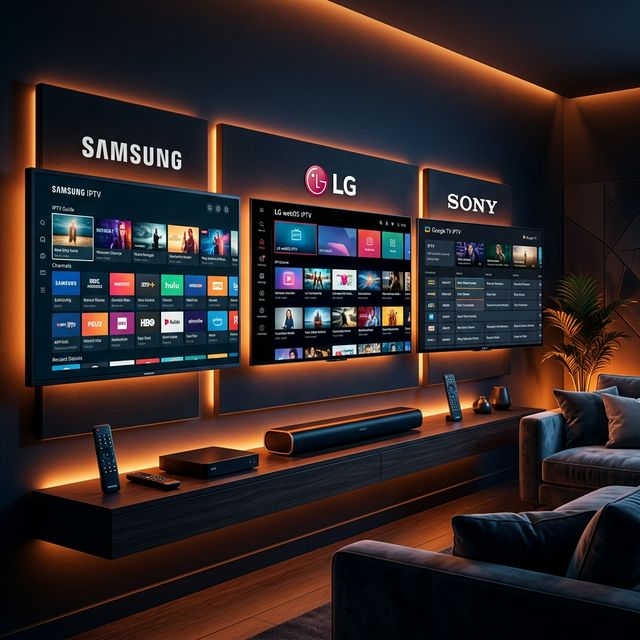
How to Set Up and Use an IPTV Subscription on Your Smart TV (Samsung, LG, Android)
Learn how to instantly set up an IPTV subscription on any Smart TV in 2026. Follow our complete guide for LG WebOS, Samsung Tizen, and Android TV setups.
TiviMate vs. IPTV Smarters Pro: Which is the Best IPTV Player in 2026?
Compare TiviMate and IPTV Smarters Pro to find the best IPTV player in 2026. Review premium features, EPG guides, Firestick setup, and Xtream Codes.
Best Internet Speed for IPTV: Complete Bandwidth Guide for 2026
What internet speed do you need for IPTV? Complete guide covering bandwidth requirements for SD, HD, 4K streaming, multiple devices, and optimization tips.
The Ultimate 2026 Guide to Choosing the Best IPTV Subscription: Everything You Need to Know
Discover how to choose the best IPTV subscription in 2026. Learn about server stability, VOD libraries, and why anti-freeze technology is crucial for 4K streaming.
Best IPTV Subscription Service in 2026: The Complete Buyer's Guide
Compare the best IPTV subscription service like **Venom IPTV**s of 2026. Expert guide covering 4K streaming, anti-freeze servers, VOD libraries, pricing tiers, and setup for Firestick & Smart TV.