
TiviMate Setup Guide 2026: The Ultimate IPTV Player for Android and Firestick
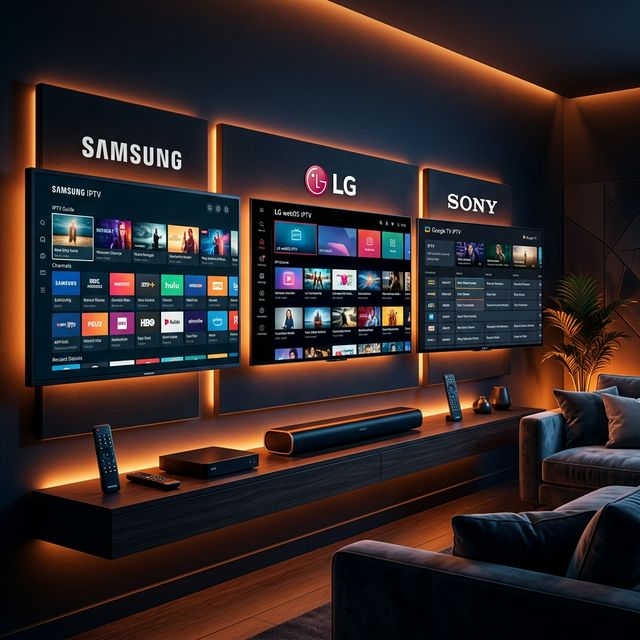
Why TiviMate Is the Best IPTV App in 2026
🔥 Stop Searching, Start Streaming!
Why settle for buffering and locked channels? Venom IPTV gives you access to 35,000+ premium channels, global sports in 4K, and a massive VOD library.
View Pricing PlansTiviMate has earned its reputation as the undisputed king of IPTV players — and for good reason. Built specifically for Android TV interfaces and large screens, TiviMate transforms your IPTV subscription into a cable-TV-like experience with a stunning EPG grid, instant channel switching, and features that no other IPTV app can match.
If you are serious about IPTV, TiviMate is the app you need. This guide covers everything from first installation to advanced configuration.
TiviMate Free vs TiviMate Premium
| Feature | Free Version | Premium ($5.49/year) |
|---|---|---|
| Playlists | 1 | Unlimited |
| EPG Sources | 1 | Multiple |
| Favorites | Basic | Advanced groups |
| Recording | ❌ | ✅ Scheduled + Manual |
| Catch-Up TV | ❌ | ✅ |
| Auto-Update Playlists | ❌ | ✅ |
| Customization | Limited | Full |
| Picture-in-Picture | ❌ | ✅ |
TiviMate Premium costs just $5.49 per year for up to 5 devices — making it one of the best software investments for any IPTV user.
How to Install TiviMate on Amazon Firestick
Step 1: Install the Downloader App
- From the Firestick home screen, go to Search
- Search for “Downloader” and install the orange app by AFTVnews
Step 2: Enable Unknown Sources
- Go to Settings → My Fire TV → Developer Options
- Enable “Apps from Unknown Sources” or “Install Unknown Apps” for Downloader
Step 3: Download TiviMate
- Open the Downloader app
- Enter the URL: https://tivimate.com
- Download the latest TiviMate APK
- Select “Install” when prompted
- Open TiviMate
Step 4: Add Your IPTV Playlist
- Select “Add Playlist”
- Choose “Xtream Codes” (recommended)
- Enter your Server URL, Username, and Password
- Click Next — TiviMate will download your channels, VOD, and EPG
How to Install TiviMate on Android TV
- Open the Google Play Store on your Android TV
- Search for “TiviMate”
- Install the app
- Open and add your playlist via Xtream Codes or M3U
Setting Up the EPG (Electronic Program Guide)
TiviMate’s EPG is its crown jewel — a beautiful grid showing what is currently playing and what is coming up across all your channels.
Automatic EPG (via Xtream Codes)
If Venom IPTV supports EPG through Xtream Codes, TiviMate will automatically load and display program information. No additional configuration needed.
Custom EPG Source
If you want to use a third-party EPG:
- Go to Settings → EPG
- Select “Add EPG Source”
- Enter the EPG XML URL provided by your EPG service
- Set the update interval (every 6-12 hours recommended)
Organizing Your Channels with Favorites
One of TiviMate’s most powerful features is Favorite Groups — allowing you to organize channels by category for quick access.
Creating a Favorites Group
- While watching a channel, press the center button on your remote
- Select the star icon (Add to Favorites)
- Choose an existing group or create a new one (e.g., “Sports”, “News”, “Movies”)
- The channel is now saved to your custom group
Accessing Favorites
Press the left arrow on your remote while on the channel list to see your Favorite Groups sidebar.
Recording Live TV with TiviMate Premium
TiviMate Premium lets you record any live channel — perfect for saving sports matches, movies, or shows to watch later.
Setting Up Recording Storage
- Go to Settings → Recordings
- Select “Recording Path”
- Choose a folder on your device’s internal storage or a connected USB drive
- Set your preferred recording format (TS recommended)
Manual Recording
- Navigate to the channel you want to record
- Press the center button → select “Record”
- The recording begins immediately and continues until you stop it
Scheduled Recording
- Open the EPG grid
- Navigate to an upcoming program
- Press the center button and select “Record”
- TiviMate will automatically start and stop recording at the scheduled time
Advanced TiviMate Settings for Best Performance
Buffer Settings
Go to Settings → Playback → Buffer Size and set to Medium or Large for stable streaming on slower connections.
Player Selection
TiviMate supports multiple video decoders:
- Hardware decoder (default) — best performance, lowest CPU usage
- Software decoder — use if hardware decoder causes issues with certain channels
Go to Settings → Playback → Decoder → select your preference.
Auto-Frame Rate
Enable Settings → Playback → Auto Frame Rate Switching to automatically match the stream’s native frame rate, eliminating judder on 24fps movie content and maintaining smooth 50/60fps for sports.
[!IMPORTANT] Ready to experience the ultimate TV package? Join over 12,000 satisfied customers who have switched to Venom IPTV. We offer dedicated 24/7 support, anti-freeze servers, and instant activation for all devices.
Frequently Asked Questions
Is TiviMate available on iOS or Samsung TV?
No. TiviMate is Android-only (Firestick, Android TV, Android phones/tablets). For iOS, use IPTV Smarters Pro. For Samsung/LG, use IBO Player or Flix IPTV.
How do I update TiviMate on Firestick?
Since TiviMate is sideloaded, it does not auto-update. You need to re-download the latest APK via the Downloader app and install it over the existing version.
Can TiviMate use multiple IPTV subscriptions?
Yes. TiviMate Premium supports unlimited playlists. You can add multiple IPTV providers and switch between them from Settings → Playlists.
Why are some channels showing “No EPG Data”?
This happens when Venom IPTV does not include EPG information for certain channels, or the EPG data has not been downloaded yet. Try forcing an EPG update: Settings → EPG → Update.
Is TiviMate free?
TiviMate has a free version with basic functionality. TiviMate Premium ($5.49/year) unlocks recording, multiple playlists, catch-up, and advanced customization.
Conclusion
TiviMate is the ultimate IPTV app for anyone using a Firestick, Android TV, or Android device. Its cable-TV-style EPG, blazing channel switching, recording capabilities, and deep customization make it the clear best-in-class IPTV player in 2026.
At just $5.49 per year for Premium, it is the most valuable software investment you can make for your home entertainment setup.
Ready to Cut the Cord?
Experience premium IPTV with 35,000+ channels in 4K quality. No buffering, no contracts.
Get Started NowYou Might Also Like

The Best IPTV Apps for Android TV in 2026
Discover the top-rated, fastest, and most feature-rich IPTV players designed specifically for Android TV interfaces.
Best IPTV Apps for Smart TV in 2026: Samsung, LG, Sony, and Android TV
Discover the best IPTV apps for Smart TVs in 2026. Full guide covering Samsung Tizen, LG webOS, Sony Android TV, and how to install each app.
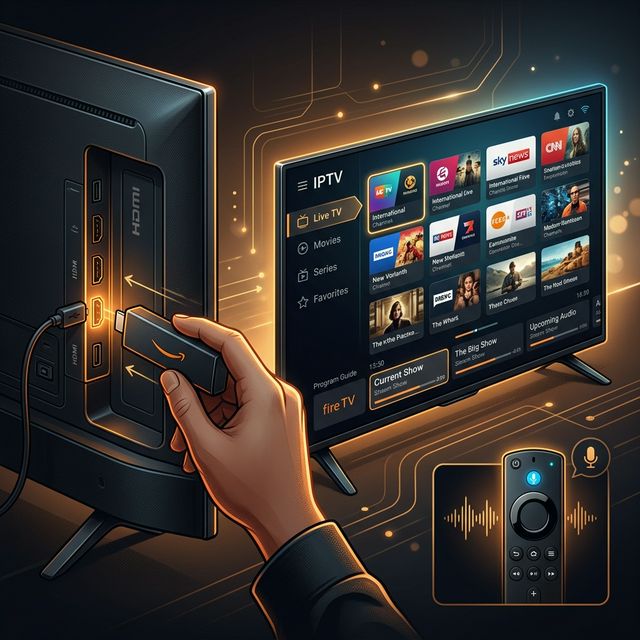
How to Install IPTV on Amazon Firestick in 2026: Complete Step-by-Step Guide
Learn how to install and set up IPTV on your Amazon Firestick in under 5 minutes. Covers TiviMate, Smarters Pro, sideloading, and troubleshooting tips.

How to Fix IPTV Buffering: 10 Proven Solutions That Actually Work
Struggling with IPTV buffering? Learn 10 expert-tested methods to eliminate freezing, stuttering, and lag on any device including Firestick, Smart TV, and Android.
How to Install IPTV on Firestick (2026 Guide)
Learn how to properly sideload and install any premium IPTV service on your Amazon Fire TV Stick in under 5 minutes with our complete walkthrough.
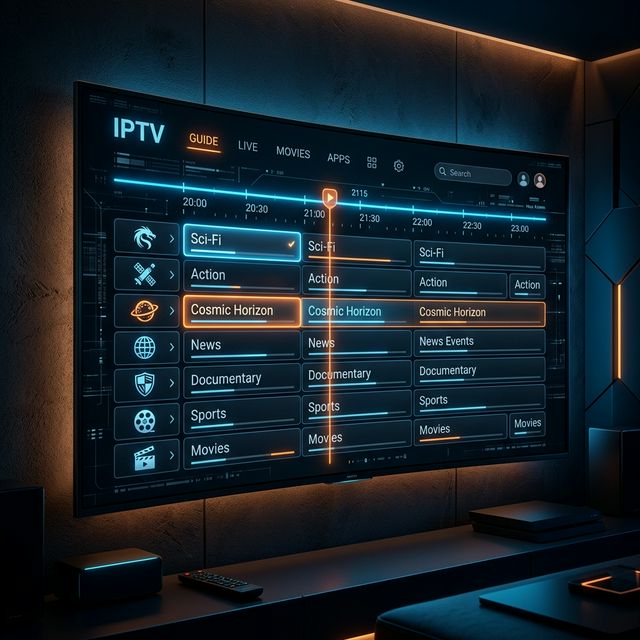
IPTV EPG Guide: What Is an Electronic Program Guide and How to Set It Up
Learn what an IPTV EPG is, why it matters, and how to configure it in TiviMate, Smarters, and other apps. Complete Electronic Program Guide setup tutorial.