
What Is Xtream Codes API? Complete IPTV Login Guide for 2026

What Is Xtream Codes API?
🔥 Stop Searching, Start Streaming!
Why settle for buffering and locked channels? Venom IPTV gives you access to 35,000+ premium channels, global sports in 4K, and a massive VOD library.
View Pricing PlansIf you have ever subscribed to an IPTV service, you have likely received login credentials in a format like this:
- Username: john2026
- Password: xK9m2pLq
- Server URL: http://provider-server.com:8080
This is the Xtream Codes API — the most widely used authentication and content delivery system in the IPTV industry. It allows IPTV apps to securely connect to your provider’s server, verify your subscription, and download your complete channel list, VOD library, and EPG data.
Think of it as the “login system” that connects your IPTV app to your provider’s content.
How Does Xtream Codes Work?
The process is straightforward:
- You subscribe to an IPTV provider and receive your Xtream Codes credentials
- You enter the Username, Password, and Server URL into your IPTV app
- The app connects to the provider’s server and authenticates your subscription
- The server responds by sending your complete channel list, organized into categories
- You start watching — the app streams content directly from the provider’s server
The entire authentication process takes seconds. Once logged in, your app remembers your credentials and auto-connects every time you open it.
Xtream Codes vs M3U Playlist: What Is the Difference?
IPTV providers typically offer two login methods. Here is how they compare:
| Feature | Xtream Codes API | M3U Playlist |
|---|---|---|
| Login method | Username + Password + URL | Single long URL |
| Ease of use | Very easy (3 fields) | Copy-paste one URL |
| Auto-categorization | ✅ Channels sorted by country/genre | ❌ Often unsorted flat list |
| VOD support | ✅ Full movie/series library | ⚠️ Limited or separate URL |
| EPG integration | ✅ Automatic | ⚠️ May require separate EPG URL |
| Catch-Up TV | ✅ Supported | ❌ Rarely supported |
| App compatibility | Most modern IPTV apps | All IPTV apps |
| Recommended | ✅ Yes — superior experience | Backup option |
Bottom line: Always use Xtream Codes API when available. It provides a significantly better, more organized experience than M3U playlists.
How to Login with Xtream Codes on Every Device
On Amazon Firestick (TiviMate)
- Open TiviMate
- Select “Add Playlist”
- Choose “Xtream Codes”
- Enter your Server URL, Username, and Password
- Tap Next — channels load automatically
On Firestick / Android (IPTV Smarters Pro)
- Open IPTV Smarters Pro
- Select “Login with Xtream Codes API”
- Enter a playlist name (any name you want)
- Input Username, Password, and Server URL
- Tap “Add User”
On Samsung / LG Smart TV (IBO Player)
- Open IBO Player
- Note the Device ID and Device Key shown on screen
- Visit iboplayer.com on your phone/computer
- Enter Device ID, Key, and your Xtream Codes credentials
- Restart the app — channels appear
On iPhone / iPad (Smarters Player Lite)
- Download Smarters Player Lite from the App Store
- Open and select “Xtream Codes API”
- Enter playlist name, Username, Password, and Server URL
- Tap “Add User”
On Windows PC (IPTV Smarters)
- Download IPTV Smarters for Windows from the official website
- Install and open
- Login with Xtream Codes API credentials
Understanding Your Server URL Format
Your Xtream Codes server URL typically follows this format:
http://server-address.com:PORT
Common examples:
http://iptv-server.com:8080http://123.45.67.89:25461http://cdn.provider.tv:80
Important notes:
- Include
http://at the beginning (nothttps://unless your provider specifies) - The port number (
:8080,:25461, etc.) is essential — do not omit it - Do NOT add a trailing slash at the end
- Double-check for typos — one wrong character prevents authentication
How to Convert Xtream Codes to M3U (If Needed)
Some older IPTV apps only support M3U playlists. You can convert your Xtream Codes credentials to an M3U URL using this format:
http://SERVER-URL:PORT/get.php?username=USERNAME&password=PASSWORD&type=m3u_plus&output=ts
Example:
http://iptv-server.com:8080/get.php?username=john2026&password=xK9m2pLq&type=m3u_plus&output=ts
Simply replace SERVER-URL, PORT, USERNAME, and PASSWORD with your actual credentials.
Troubleshooting Xtream Codes Login Issues
”Authentication Failed” or “Invalid Credentials”
- Check for typos — the most common cause. Server URLs, usernames, and passwords are case-sensitive
- Remove extra spaces before or after any field
- Verify your subscription is active — contact your provider
- Check the port number in your server URL
”Connection Timeout” or “Server Not Responding”
- Your provider’s server may be temporarily down for maintenance
- Try connecting to a VPN and then re-entering your credentials
- Check if your ISP is blocking the server port
- Contact your provider’s support team
Channels Load But Show “No Signal”
- Your subscription may have expired
- The specific channel’s source may be temporarily offline
- Try a different channel from the same category
- Clear app cache and restart
EPG Not Showing
- Go to your IPTV app settings and force an EPG update
- Some providers require 24-48 hours for EPG data to fully populate after first login
- Check if EPG is enabled in your app settings
Security: Is Xtream Codes Safe?
Xtream Codes API is simply an authentication protocol — similar to logging into any online service with a username and password. The credentials are transmitted to Venom IPTV’s server to verify your subscription.
Security best practices:
- Never share your credentials — other people using your login can get your account suspended
- Use a VPN to encrypt the connection between your device and the server
- Change your password periodically if your provider allows it
- Do not enter credentials on unknown websites claiming to be “IPTV checkers”
[!IMPORTANT] Ready to experience the ultimate TV package? Join over 12,000 satisfied customers who have switched to Venom IPTV. We offer dedicated 24/7 support, anti-freeze servers, and instant activation for all devices.
Frequently Asked Questions
What if my provider only gave me an M3U link?
You can still use it. Most IPTV apps support both Xtream Codes and M3U login methods. Simply select “M3U Playlist” instead of “Xtream Codes” and paste your URL.
Can I use the same Xtream Codes on multiple devices?
Yes, but only up to your plan’s connection limit. A 1-connection plan allows one device at a time. A 2-connection plan allows two simultaneous streams, etc.
Do Xtream Codes credentials expire?
Your credentials remain valid for the duration of your subscription. When your plan expires, your provider will either renew your existing credentials or issue new ones.
Is Xtream Codes the same as Xtream UI?
Xtream UI is the server-side panel that IPTV providers use to manage their service. Xtream Codes API is the client-side login protocol that end-users interact with. As a subscriber, you only interact with the API.
Conclusion
Xtream Codes API is the standard login method for IPTV services worldwide. It provides the cleanest, most organized experience — automatically categorizing your channels, loading your VOD library, and integrating EPG data.
Always choose Xtream Codes over M3U when your app supports it, enter your credentials carefully, and use a VPN for an extra layer of security and performance.
Ready to Cut the Cord?
Experience premium IPTV with 35,000+ channels in 4K quality. No buffering, no contracts.
Get Started NowYou Might Also Like
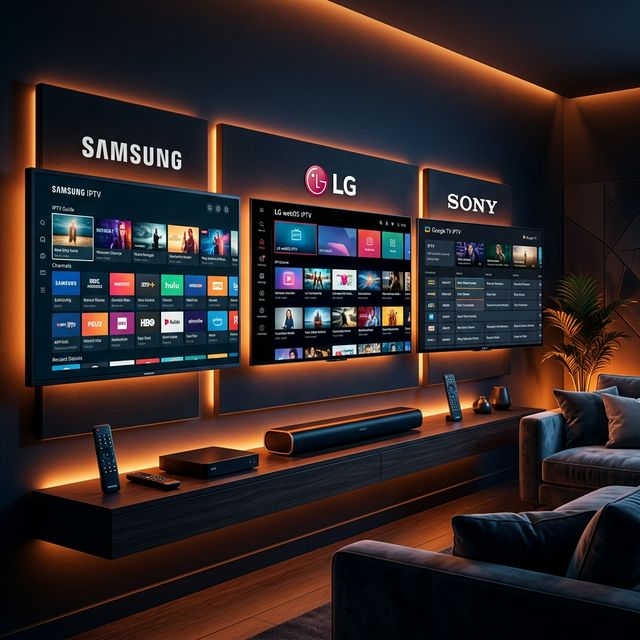
IPTV Smarters Pro Setup Guide 2026: Installation on Every Device
Complete IPTV Smarters Pro setup guide for Firestick, Android, iOS, Smart TV, and PC. Step-by-step instructions with screenshots and troubleshooting tips.
What Is an M3U Playlist? Complete IPTV M3U Guide for 2026
Learn what an M3U playlist is, how it works with IPTV, how to use M3U URLs in your favorite apps, and the difference between M3U and Xtream Codes API.
How to Fix IPTV Buffering: 10 Proven Solutions That Actually Work
Struggling with IPTV buffering? Learn 10 expert-tested methods to eliminate freezing, stuttering, and lag on any device including Firestick, Smart TV, and Android.
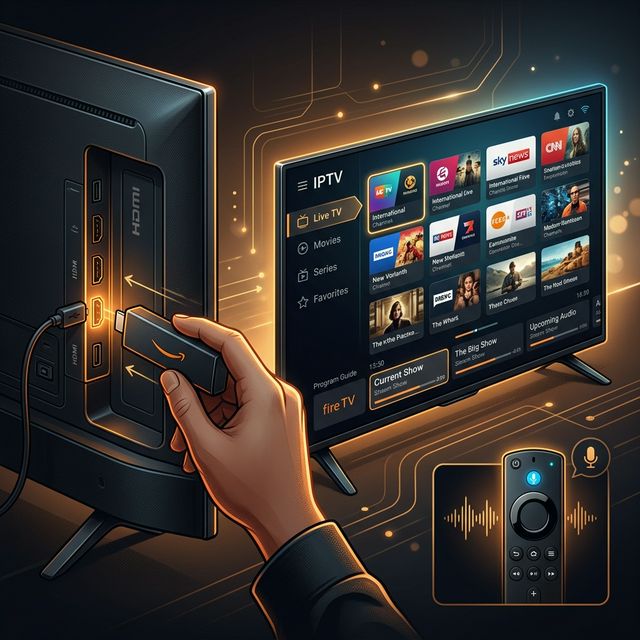
How to Install IPTV on Amazon Firestick in 2026: Complete Step-by-Step Guide
Learn how to install and set up IPTV on your Amazon Firestick in under 5 minutes. Covers TiviMate, Smarters Pro, sideloading, and troubleshooting tips.
How to Install IPTV on Firestick (2026 Guide)
Learn how to properly sideload and install any premium IPTV service on your Amazon Fire TV Stick in under 5 minutes with our complete walkthrough.
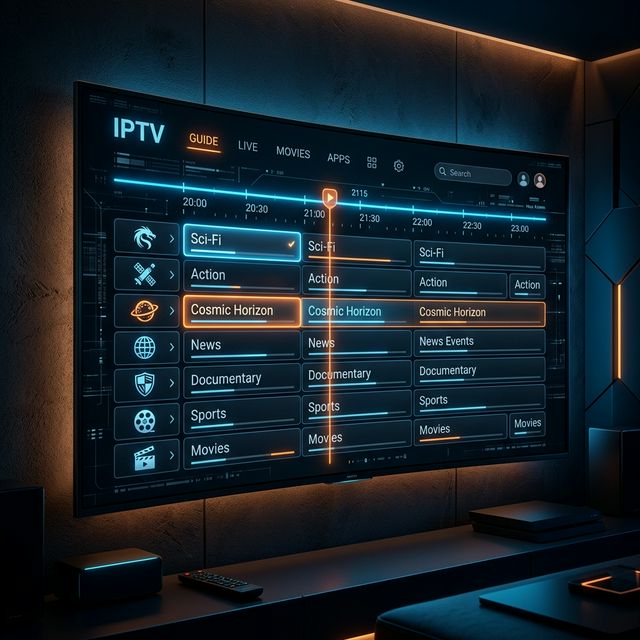
IPTV EPG Guide: What Is an Electronic Program Guide and How to Set It Up
Learn what an IPTV EPG is, why it matters, and how to configure it in TiviMate, Smarters, and other apps. Complete Electronic Program Guide setup tutorial.