
IPTV Smarters Pro Setup Guide 2026: Installation on Every Device
What Is IPTV Smarters Pro?
🔥 Stop Searching, Start Streaming!
Why settle for buffering and locked channels? Venom IPTV gives you access to 35,000+ premium channels, global sports in 4K, and a massive VOD library.
View Pricing PlansIPTV Smarters Pro is one of the most popular IPTV player applications in the world. Developed by SUSPENDED SUSPENDED, it provides a clean, Netflix-style interface that organizes your Live TV, Movies, Series, and EPG into distinct, easy-to-navigate categories.
Its biggest advantage is universal compatibility. IPTV Smarters Pro works on Android, iOS, Firestick, Smart TVs, Windows, and Mac — making it the go-to app for users who stream across multiple devices.
Key Features of IPTV Smarters Pro
- Xtream Codes API Login — enter Username, Password, and Server URL for instant setup
- M3U Playlist Support — alternative login method using a playlist URL
- Live TV with EPG — full electronic program guide integration
- VOD Library — browse movies and series with poster art
- Multi-Screen Mode — watch up to 4 channels simultaneously
- Parental Controls — lock specific channels or categories
- Subtitle Support — automatic subtitle integration for VOD content
- Catch-Up TV — replay recently aired programs
- Favorites — bookmark your most-watched channels
How to Install IPTV Smarters Pro on Amazon Firestick
Step 1: Search and Download
- From the Firestick home screen, click the Search icon
- Type “IPTV Smarters Pro”
- Select the app and tap “Download” — it is available directly on the Amazon App Store
Step 2: Open and Login
- Open IPTV Smarters Pro
- Select “Login with Xtream Codes API”
- Enter a name for your playlist (anything you want)
- Input your Username, Password, and Server URL from Venom IPTV
- Tap “Add User”
Step 3: Navigate and Watch
Your content is organized into sections:
- Live TV — all live channels sorted by category
- Movies — VOD movie library
- Series — TV series organized by season and episode
- Catch Up — recently aired programs available for replay
How to Install on Android Phone or Android TV
- Open the Google Play Store
- Search for “IPTV Smarters Pro”
- Download and install
- Open the app and login with Xtream Codes or M3U credentials
- Start streaming
How to Install on iPhone and iPad (iOS)
- Open the Apple App Store
- Search for “IPTV Smarters” or “Smarters Player Lite”
- Download the free app
- Open and select “Xtream Codes API” login
- Enter your credentials and start watching
Note: Apple periodically removes IPTV-related apps from the App Store. If Smarters is unavailable, search for “Smarters Player Lite” which is the same app under a different name.
How to Install on Windows PC or Mac
- Visit the official IPTV Smarters website
- Download the Windows or Mac version
- Install and open the application
- Login with your Xtream Codes API credentials
- Enjoy IPTV on your desktop or laptop
Alternatively, you can use BlueStacks (Android emulator) to run the Android version on your PC.
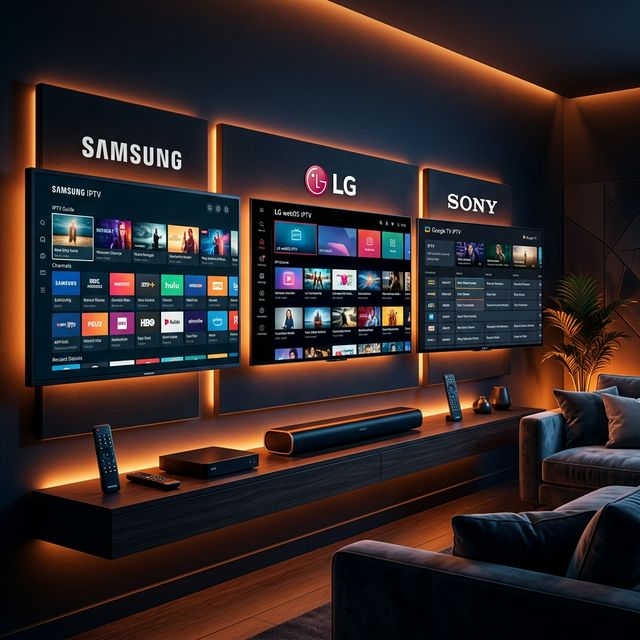
How to Install on Samsung or LG Smart TV
IPTV Smarters Pro is not natively available on Samsung Tizen or LG webOS app stores. However, you have two alternatives:
Option 1: Use a different app like IBO Player or Smart IPTV (both support the same credentials)
Option 2: Connect an Amazon Firestick or Android Box to your Smart TV and install Smarters on that device
Troubleshooting Common Issues
”Error: Invalid Credentials”
- Double-check your Username, Password, and Server URL for typos
- Ensure there are no extra spaces before or after any field
- Confirm your subscription is active with your provider
Channels Not Loading or Showing Empty List
- Check your internet connection
- Try switching between Xtream Codes and M3U login methods
- Contact Venom IPTV — the server may be undergoing maintenance
App Crashes on Startup
- Clear the app cache: Settings → Apps → IPTV Smarters → Clear Cache
- Uninstall and reinstall the latest version
- Ensure your device firmware is up to date
Buffering During Live TV
- Activate a VPN to bypass ISP throttling
- Switch to a wired Ethernet connection
- Try changing the player type within the app settings (Built-in Player vs External Player)
IPTV Smarters Pro vs TiviMate: Which Is Better?
| Feature | IPTV Smarters Pro | TiviMate |
|---|---|---|
| Interface | Netflix-style | EPG Grid (cable TV style) |
| Best For | Beginners, VOD viewers | Sports fans, advanced users |
| Platform | Android, iOS, PC, Mac | Android only |
| Multi-Screen | Up to 4 screens | Picture-in-Picture |
| Recording | No | Yes (Premium) |
| Price | Free | Free / $5.49 per year |
| EPG Quality | Good | Excellent |
Verdict: Choose Smarters if you value simplicity and cross-platform support. Choose TiviMate if you prioritize live TV EPG, channel switching speed, and recording.
[!IMPORTANT] Ready to experience the ultimate TV package? Join over 12,000 satisfied customers who have switched to Venom IPTV. We offer dedicated 24/7 support, anti-freeze servers, and instant activation for all devices.
Frequently Asked Questions
Is IPTV Smarters Pro free?
Yes, IPTV Smarters Pro is completely free to download and use. You only need a separate IPTV subscription to access content.
What is the difference between Smarters Pro and Smarters Player Lite?
They are essentially the same app. Smarters Player Lite is the renamed version published on the Apple App Store and some Android markets after the original was temporarily removed.
Can I use multiple IPTV subscriptions on Smarters?
Yes. IPTV Smarters Pro supports multiple playlists. You can add several IPTV providers and switch between them from the app’s home screen.
Does Smarters work with M3U links?
Yes. In addition to Xtream Codes API, you can login by pasting your M3U playlist URL directly into the app.
Conclusion
IPTV Smarters Pro remains one of the most accessible and user-friendly IPTV apps in 2026. Its cross-platform availability, Netflix-style interface, and straightforward Xtream Codes login make it the perfect choice for IPTV beginners and casual viewers alike.
Ready to Cut the Cord?
Experience premium IPTV with 35,000+ channels in 4K quality. No buffering, no contracts.
Get Started NowYou Might Also Like

What Is Xtream Codes API? Complete IPTV Login Guide for 2026
Learn what Xtream Codes API is, how it works, and how to use it to login to any IPTV app. Step-by-step guide for Firestick, Smart TV, Android, and iOS.
How to Fix IPTV Buffering: 10 Proven Solutions That Actually Work
Struggling with IPTV buffering? Learn 10 expert-tested methods to eliminate freezing, stuttering, and lag on any device including Firestick, Smart TV, and Android.
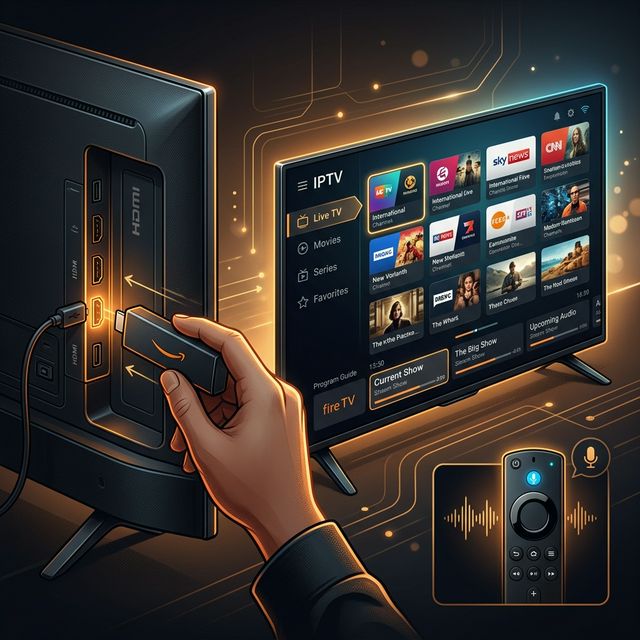
How to Install IPTV on Amazon Firestick in 2026: Complete Step-by-Step Guide
Learn how to install and set up IPTV on your Amazon Firestick in under 5 minutes. Covers TiviMate, Smarters Pro, sideloading, and troubleshooting tips.
How to Install IPTV on Firestick (2026 Guide)
Learn how to properly sideload and install any premium IPTV service on your Amazon Fire TV Stick in under 5 minutes with our complete walkthrough.
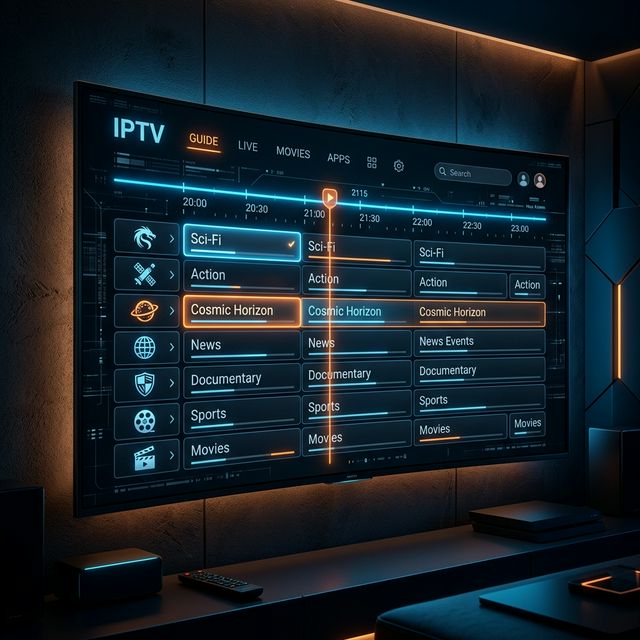
IPTV EPG Guide: What Is an Electronic Program Guide and How to Set It Up
Learn what an IPTV EPG is, why it matters, and how to configure it in TiviMate, Smarters, and other apps. Complete Electronic Program Guide setup tutorial.
IPTV on Apple TV: Best Apps and Complete Setup Guide for 2026
Learn how to set up IPTV on Apple TV in 2026. Covers the best IPTV apps for tvOS, step-by-step installation, and tips for the best streaming experience.