
IPTV on Apple TV: Best Apps and Complete Setup Guide for 2026
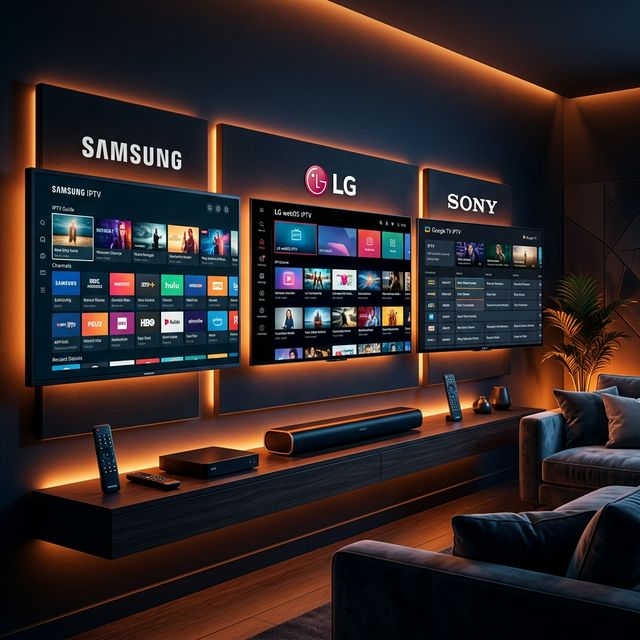
Can You Use IPTV on Apple TV?
🔥 Stop Searching, Start Streaming!
Why settle for buffering and locked channels? Venom IPTV gives you access to 35,000+ premium channels, global sports in 4K, and a massive VOD library.
View Pricing PlansAbsolutely. While Apple TV is not as straightforward for IPTV as Android-based devices like the Firestick, there are several excellent IPTV apps available on the Apple App Store that work flawlessly on Apple TV 4K and Apple TV HD.
Apple TV’s powerful A15 Bionic chip (4K model), premium build quality, and butter-smooth tvOS interface actually make it one of the best devices for IPTV — if you know which apps to use.
Best IPTV Apps for Apple TV in 2026
1. IPTV Smarters Pro / Smarters Player Lite
The most popular IPTV app on Apple TV. Offers a clean Netflix-style interface with full Xtream Codes API support.
Key Features:
- Xtream Codes and M3U login support
- Live TV, VOD, and Series sections
- Built-in EPG
- Multi-screen mode (up to 4 channels)
- Parental controls
How to install:
- Open the App Store on your Apple TV
- Search for “Smarters Player Lite” or “IPTV Smarters”
- Download and install
- Open and login with your Xtream Codes credentials
2. GSE Smart IPTV
A powerful, feature-rich IPTV player with advanced playlist management.
Key Features:
- M3U and Xtream Codes support
- Built-in player with hardware acceleration
- EPG with multi-day guide
- Chromecast support
- Parental lock
How to install:
- App Store → search “GSE Smart IPTV”
- Download (free with optional in-app purchases)
- Add your playlist via M3U URL or Xtream Codes
3. IPTVX
A newer but rapidly growing player designed specifically for Apple TV.
Key Features:
- Native tvOS interface (feels like a built-in Apple app)
- Xtream Codes and M3U support
- Beautiful EPG grid
- Favorites and recently watched
- Picture-in-Picture support
4. iPlayTV
A premium option with one of the smoothest interfaces on tvOS.
Key Features:
- Designed exclusively for Apple TV
- Channel grouping and favorites
- EPG with timeline view
- Quick channel switching via Siri Remote gestures
- Split-screen viewing
Step-by-Step: Setting Up IPTV on Apple TV
Step 1: Ensure You Have an Active IPTV Subscription
Before starting, confirm you have:
- An active IPTV subscription
- Your Xtream Codes credentials (Username, Password, Server URL) or an M3U link
Step 2: Download Your Chosen App
- Navigate to the App Store on Apple TV
- Search for your preferred IPTV app (we recommend Smarters Player Lite)
- Download and install
Step 3: Enter Your Credentials
- Open the app
- Select “Add Playlist” or “Login with Xtream Codes”
- Enter your Username, Password, and Server URL
- For M3U: paste your full M3U playlist URL
Tip: Typing long URLs with the Apple TV remote is tedious. Use the Apple TV Remote app on your iPhone to use the keyboard for faster text input.
Step 4: Wait for Content to Load
The app will download your channel list, VOD catalog, and EPG data. This typically takes 1-3 minutes depending on the size of your provider’s library.
Step 5: Start Watching
Navigate to Live TV, select a channel, and enjoy. Use the Siri Remote’s touch surface to scrub through channels quickly.
Apple TV IPTV Tips and Tricks
Use iPhone as a Remote
The Apple TV Remote app on iPhone makes entering Xtream Codes credentials and M3U URLs dramatically faster. Simply open the app on your iPhone and use the full keyboard.
Siri Voice Search
Some IPTV apps support Siri integration. Hold the Siri button on your remote and say the channel name or show title for quick navigation.
Ethernet for Best Performance
Apple TV 4K has a built-in Gigabit Ethernet port. Always use a wired connection for IPTV — especially during live sports — for the most stable, buffer-free experience.
VPN on Apple TV
Setting up a VPN on Apple TV requires one of these methods:
Method 1: VPN on Router Configure your VPN (NordVPN, ExpressVPN) directly on your home router. This protects all devices including Apple TV without installing any app.
Method 2: Smart DNS Most VPN providers offer Smart DNS services that can be configured directly in Apple TV’s network settings (Settings → Network → Configure DNS → Manual).
Method 3: Share VPN from Mac Connect your Mac to a VPN, then share its internet connection with Apple TV via Ethernet or Wi-Fi.
Apple TV vs Firestick for IPTV
| Feature | Apple TV 4K | Firestick 4K Max |
|---|---|---|
| Price | $129 | $55 |
| Processor | A15 Bionic (fastest) | MediaTek MT8696 |
| RAM | 4 GB | 2 GB |
| Ethernet | Built-in Gigabit | Adapter required ($15) |
| IPTV Apps | Limited selection | Extensive (sideloading) |
| Best App | Smarters Player Lite | TiviMate |
| VPN Apps | No native support | Full support |
| Build Quality | Premium aluminum | Plastic |
| 4K HDR | Dolby Vision + HDR10+ | HDR10+ |
Verdict: Firestick wins for IPTV flexibility and app selection. Apple TV wins for raw power, build quality, and if you are already deep in the Apple ecosystem.
[!IMPORTANT] Ready to experience the ultimate TV package? Join over 12,000 satisfied customers who have switched to Venom IPTV. We offer dedicated 24/7 support, anti-freeze servers, and instant activation for all devices.
Frequently Asked Questions
Can I install TiviMate on Apple TV?
No. TiviMate is Android-only and is not available on tvOS. The best alternative for Apple TV is Smarters Player Lite or IPTVX.
Is there a free IPTV app for Apple TV?
Smarters Player Lite and GSE Smart IPTV are both free to download. Note that you still need a separate IPTV subscription for content access.
Can I use IPTV on iPhone and iPad too?
Yes. Most Apple TV IPTV apps (Smarters, GSE Smart IPTV) also have iPhone and iPad versions. Your same IPTV credentials work across all Apple devices.
Does Apple TV support 4K IPTV?
Yes. The Apple TV 4K supports 4K HDR streaming. Your IPTV content quality depends on your provider’s server quality and your internet speed (50 Mbps recommended for 4K).
Why is typing on Apple TV so difficult?
Use the Apple TV Remote app on your iPhone. It provides a full keyboard interface that makes entering Xtream Codes credentials and URLs much faster.
Conclusion
Apple TV is an excellent IPTV device — especially the 4K model with its powerful processor and built-in Ethernet. While it lacks TiviMate, apps like Smarters Player Lite and GSE Smart IPTV deliver a smooth, reliable IPTV experience on tvOS.
Pair your Apple TV with a premium IPTV subscription, a wired Ethernet connection, and a router-level VPN for the ultimate premium streaming setup.
Ready to Cut the Cord?
Experience premium IPTV with 35,000+ channels in 4K quality. No buffering, no contracts.
Get Started NowYou Might Also Like
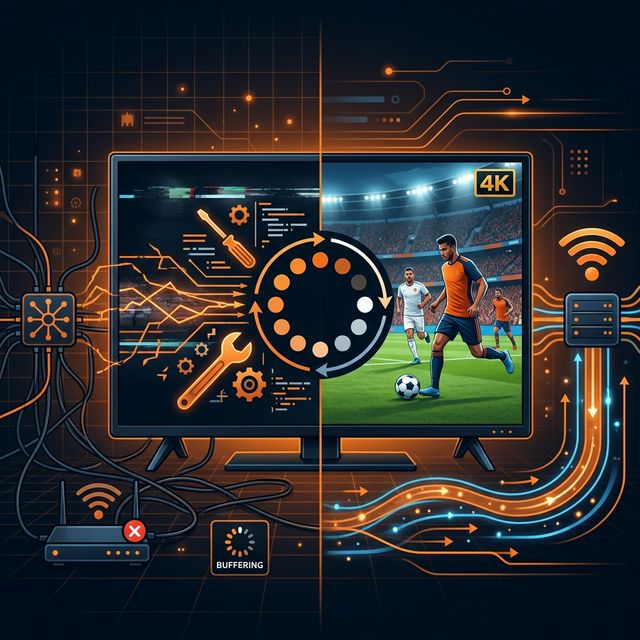
How to Fix IPTV Buffering: 10 Proven Solutions That Actually Work
Struggling with IPTV buffering? Learn 10 expert-tested methods to eliminate freezing, stuttering, and lag on any device including Firestick, Smart TV, and Android.
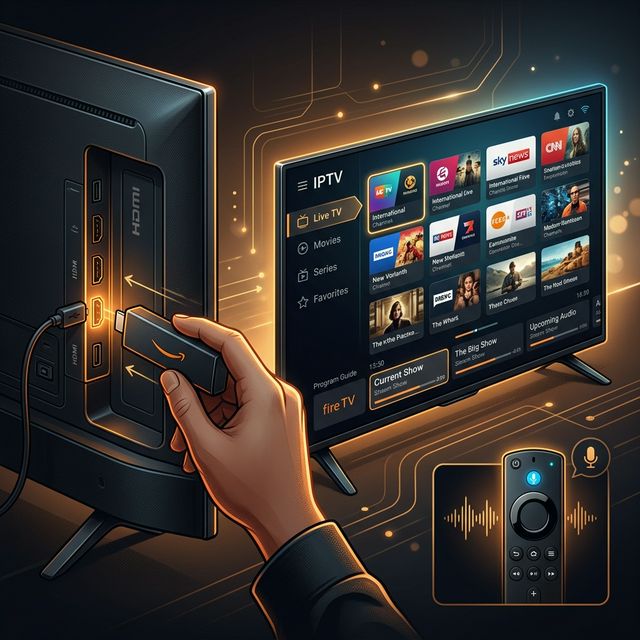
How to Install IPTV on Amazon Firestick in 2026: Complete Step-by-Step Guide
Learn how to install and set up IPTV on your Amazon Firestick in under 5 minutes. Covers TiviMate, Smarters Pro, sideloading, and troubleshooting tips.
How to Install IPTV on Firestick (2026 Guide)
Learn how to properly sideload and install any premium IPTV service on your Amazon Fire TV Stick in under 5 minutes with our complete walkthrough.
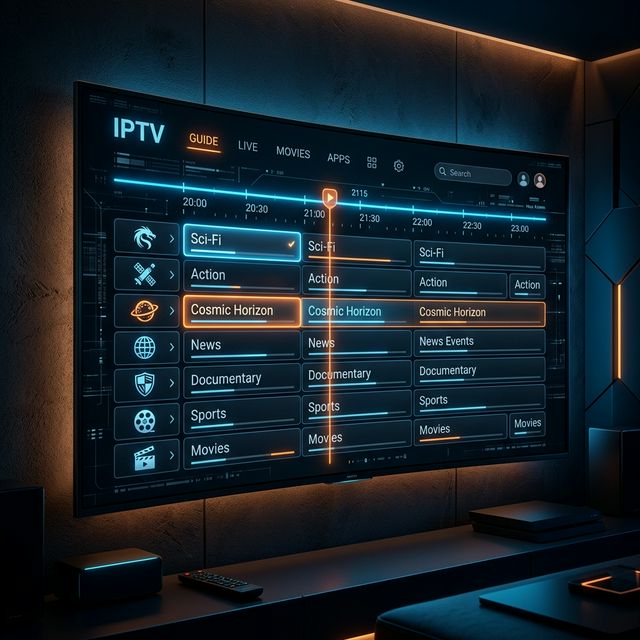
IPTV EPG Guide: What Is an Electronic Program Guide and How to Set It Up
Learn what an IPTV EPG is, why it matters, and how to configure it in TiviMate, Smarters, and other apps. Complete Electronic Program Guide setup tutorial.
How to Watch IPTV on PC and Mac in 2026: Best Players and Setup Guide
Complete guide to watching IPTV on Windows PC and Mac in 2026. Covers VLC, IPTV Smarters, MyIPTV Player, and browser-based options with step-by-step instructions.
IPTV Smarters Pro Setup Guide 2026: Installation on Every Device
Complete IPTV Smarters Pro setup guide for Firestick, Android, iOS, Smart TV, and PC. Step-by-step instructions with screenshots and troubleshooting tips.